Company Brains for Small Businesses
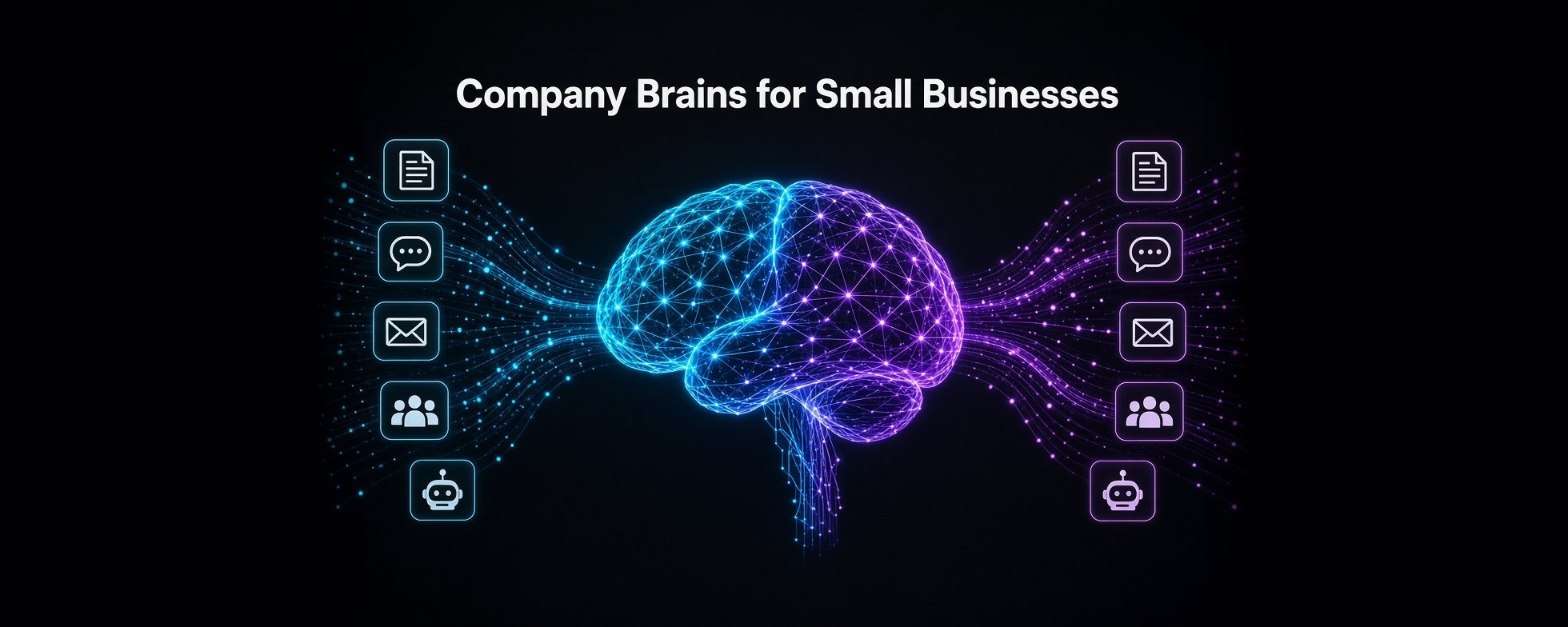
TLDR; if your company has fewer than 50 people, you probably don’t need to buy a company brain yet. The AI you already pay for covers half of it. A well-structured document repository that every agent can access covers most of the rest. This article outlines what a company brain actually is and 5 approaches to building one for small businesses.
A “company brain” is a “second brain” but for your company
A second brain is an external store of your knowledge, decisions and context that both you and your AI tools and agents can read and add to.
The concept became wildly popular earlier this year after Andrej Karpathy’s post that hit 22M views.
Andrej Karpathy’s post on second brains
Everyone using AI should have a second brain.
Why? Glad you asked.
- It keeps all your context across all your AI tools/agents. One place for your priorities, decisions, voice, research and past work across all your sessions. No need to keep re-explaining yourself.
- It compounds your intelligence. Each conversation, source and correction gets written back, so the system gets better over time.
- It grounds the agents. Agents work from your vetted knowledge, not from whatever the model half-remembers from prior sessions, so you get fewer hallucinations and the claims can be traced back.
- It’s portable. You own your second brain files and they can work with any model or agent harness. If you switch between Claude, GPT, and Hermes, the context comes with you. Own your context!
- It’s where the edge is. Everyone has the same models. What sets you apart is what they know about you and your domain.
If you’re not using a second brain, you’re severely limiting the potential of what you can do with AI and agents.
I run my own second brain in a well-structured folder of markdown and HTML files and detailed my setup back in April. That setup remains nearly the same today and continues to serve me well, especially as I try out new tools.
Here’s how it works: raw sources go in, everything gets compiled into a wiki, and anything I use - Claude Code, Codex, my Hermes agents, Grok Bot - can read the same context and contribute to it with a set of rules that an agent uses to maintain it all.
This type of setup works great at an individual level.
But what about when you need one for your company, where multiple people and their agents read and write to a single company brain?
Most company brain conversations are about larger enterprises that require a more sophisticated setup to handle the large and complex amount of data. Check out this article from Cerebras if you want to see an example.
Cerebras: How we built our knowledge base
But what I’m writing about today is for small businesses. The 5-person agency. The 20-person startup. The 40-person services firm. The small companies that keep hearing “company brain” and wonder whether they need one.
The good news is that at small company sizes, you can likely get most of the benefits of a company brain with an inexpensive DIY setup, and I’ll walk through the approaches.
What actually counts as a “company brain”
Y Combinator put “Company Brain” on its Summer 2026 request for startups and that seems to have made this an official software category. But not all second brain products are created equal.
Here’s a quick test that cuts through the marketing and helps you understand if it’s the real deal. A company brain has to do at minimum these three things:
- Pull in knowledge from where it actually lives - docs, chat, email, CRM - automatically.
- Answer only from what the person or agent asking is allowed to see.
- Let other AI tools and agents access it, over MCP or an API.
And at least one of these two:
- Capture tribal knowledge as SOPs and facts, with someone owning them.
- Track what changed and when, so last month’s answer doesn’t beat this week’s.
A shared Claude project with some PDFs in it fails that test. So does a personal Obsidian vault. So does a vector database with a nice UI.
Most “company brains” on the market today only pass three or four of the five.
You likely already pay for half of a company brain
If you’re on Claude Team, ChatGPT Business, Copilot, Gemini, or even Notion, you already have connectors and permission-aware answers across some of your company data.
Claude Team is $20 a seat on annual billing, and its enterprise search runs over your connected tools with each user’s own access.
For a 5-10 person company, that covers most of the “search our stuff and answer questions” use cases.
But two key things are missing.
- Answers die in private chats. Someone asks AI to do a big research task for the company and gets a great answer. That answer lives in their chat history. You could share an artifact but that’s a static doc that lives in links. The next person that wants to use that research has to figure out how to incorporate it in their individual context. Nothing compounds.
- Other agents can’t read it. Once you start to deploy multiple agents within your company, you want them to be able to read and write to a shared context layer. Without it, your sales agent, your coding agent and your ops automations each start from zero. The context is locked inside whatever vendor’s tool you are using.
That second gap is the one that matters more every month. Small companies are often adopting agents faster than they’re adopting knowledge management, so the context gets isolated and you miss out on the biggest benefits.
Five approaches to build a company brain
From least to most technical.
1. Shared docs plus an AI project. One folder in Drive or Notion with all your company docs, attached to a shared Claude or ChatGPT project. Can be set up in an afternoon. Costs nothing extra if you already pay for seats, but goes stale if nobody owns it and keeps it up to date, and the data is limited to whatever you can pull down into a file.
2. A markdown vault plus MCP. Drop all your company docs, a glossary and a decision log in a git-backed folder, exposed to every agent through an MCP server where agents can both read and contribute new docs. A few days to set up and test. Changes get reviewed like code via GitHub so it’s more robust than approach 1, but slightly more technical for companies that don’t have an AI power user in-house. This is what I run, and it’s the closest thing to YC’s framing of turning your artifacts into skills for AI.
3. A self-hosted AI workspace. This gets slightly more advanced where you put together your own company brain from three open-source pieces: a chat app, a document store it can search, and automation scripts that keep that store fed from Drive and Slack (the connectors). You can use Open WebUI or AnythingLLM, plus n8n flows that sync Drive and Slack into knowledge bases. The key here is that you own the stack - you own the data and pick the models, and you also own the maintenance which means every time a sync is broken or a tool in the stack needs updating, you’ve got to do the work.
4. Self-hosted connector search. This is the first option that uses a tool that was designed for this type of use case. You can go with Onyx, an open-source Glean alternative. It connects to the tools your company already uses, indexes them, and lets your team ask questions with cited answers. You use it through a chat UI, a Slack bot, an API, or an MCP server that other agents can call. You can self-host it or use Onyx Cloud. The Community Edition is MIT-licensed and free. Your data stays on your own infrastructure and hosting probably won’t cost you more than $100-200 a month.
This sounds like the obvious choice but there are two big drawbacks to note with this approach: 1) on the free tier, everyone sees everything that gets indexed. For a 10-person team that may be fine, but if HR files, compensation or sensitive docs are in the files, then you can’t include them and need to be highly aware of what gets indexed, 2) self-hosting needs real ops work. It runs several services (a search index, Postgres, Redis, object storage, model servers) so the setup is more complex and you need someone relatively technical to tune and maintain it.
5. A custom memory graph. Now we’re getting a bit geeky because you’re going to need some real technical chops to pull this off, but the end solution will be the most robust. Use an open-source tool like Graphiti, Cognee, Mem0 or GBrain underneath your own MCP server. Likely takes a few weeks to build, test and get it working seamlessly in production.
Approach #2 may work just fine for one 50-person company but doesn’t cut it at a different 5-person firm, so it all depends on the nature of your business and your use cases. The best thing to do is just drop this article in your LLM of choice and have it interview you about the 5 options to help you decide.
What about paid products? Can’t I just get something off the shelf?
The short answer is yes, you can use some existing off-the-shelf vendor-hosted tools.
But just remember that you’re likely getting locked in to a vendor who can change the terms on you at any time. That could be an increase in pricing, a reduction in features, an inability to get your context/data out when you want to move up the stack to something else, or worse - they just shut down.
There’s a new wave of agent-first brains that charge per company, at about $100 a month, but additional features or usage may cost more so look at the details. I’ve not tested any of these so DYOR.
- Gyld: $100/mo flat, unlimited teammates
- Agently: $99/mo
- Company Brain: €89/mo flat
As you go up-market, the incumbents generally charge per seat. That makes sense as a company brain is worth more as more people and agents use it, but now you’re in yet another SaaS pricing model.
The catches to look for in paid products
Permissions are usually a paid upgrade. At enterprise scale, permissions exist and break when the brain starts summarizing. At small-company scale, most stacks don’t inherit permissions at all.
Onyx’s open-source edition is free, but permission inheritance and RBAC are on the Business plan. Slack’s cross-app enterprise search is Enterprise+ only. Approaches 1 through 3 in my list above mostly give everyone access to everything that you put into the knowledge base.
Vendors disappear. Supermemory shut down its hosted company brain on September 9 and refunded customers. Dashworks went dark after HubSpot bought it.
If your company’s memory lives in someone else’s database, that’s a risk. If it lives in markdown files behind an MCP server, you can move it in an afternoon.
Agent access gets metered. Atlassian charges Rovo credits, Zapier charges tasks per MCP call, Microsoft meters some agent features. Call it a context tax: the more agents read your brain, the more you pay.
What I’d do, by company type
- Google shop, under 10 people, no technical staff: Gemini plus a well-kept documents folder. Point all your AI tools and agents at this folder and ensure someone “owns” the folder to keep it up to date.
- Microsoft shop, under 10 people: Clean up your SharePoint permissions and make that the place where you drop all your public docs and point your AI and agents at it.
- Lives in Notion or Atlassian: both of these tools have a lot of built-in AI and agent-friendly tools so you can use them to your advantage since you’re likely already paying for them. Same concept as above, get everyone to point their AI and agents at it and just be disciplined about maintaining it.
- Slack-heavy, lots of SaaS, no engineer: Claude Team with all the connectors plugged in, or trial one of the flat-priced brains.
- Runs a lot of agents but no central context layer: I’d go with the simplistic markdown vault in GitHub and connected over MCP as the shared context layer. Every agent reads the same truth, can write to it as permissions allow, and it’s always backed up and can be rolled back if something gets corrupted.
- Has a developer and wants to own it: this is where I’d suggest going with Onyx plus a well-structured markdown vault.
Across all of these, the foundation is the same:
- Aggregate or write all the SOPs down
- Put them where every agent can read them
- Fix permissions
- Only then pay for automatic ingestion and memory
Most small companies do it backwards. They buy the tool first and hope it fills itself.
Where this goes
The enterprise version of this problem is much harder, but also where you have well-resourced teams building enterprise-grade solutions.
The challenges compound when you have thousands of people, conflicting truths, and lots of complex permissioning to sort through.
The small-company version is mostly a discipline problem. The tools are cheap or free. The scarce thing is someone who owns the facts.
So start with a folder. Make one person responsible for it. Point every agent at it.
You’ll know when you’ve outgrown it, and when you do, hit me up to learn about what we do at Codos with the #1 ranked enterprise company brain.